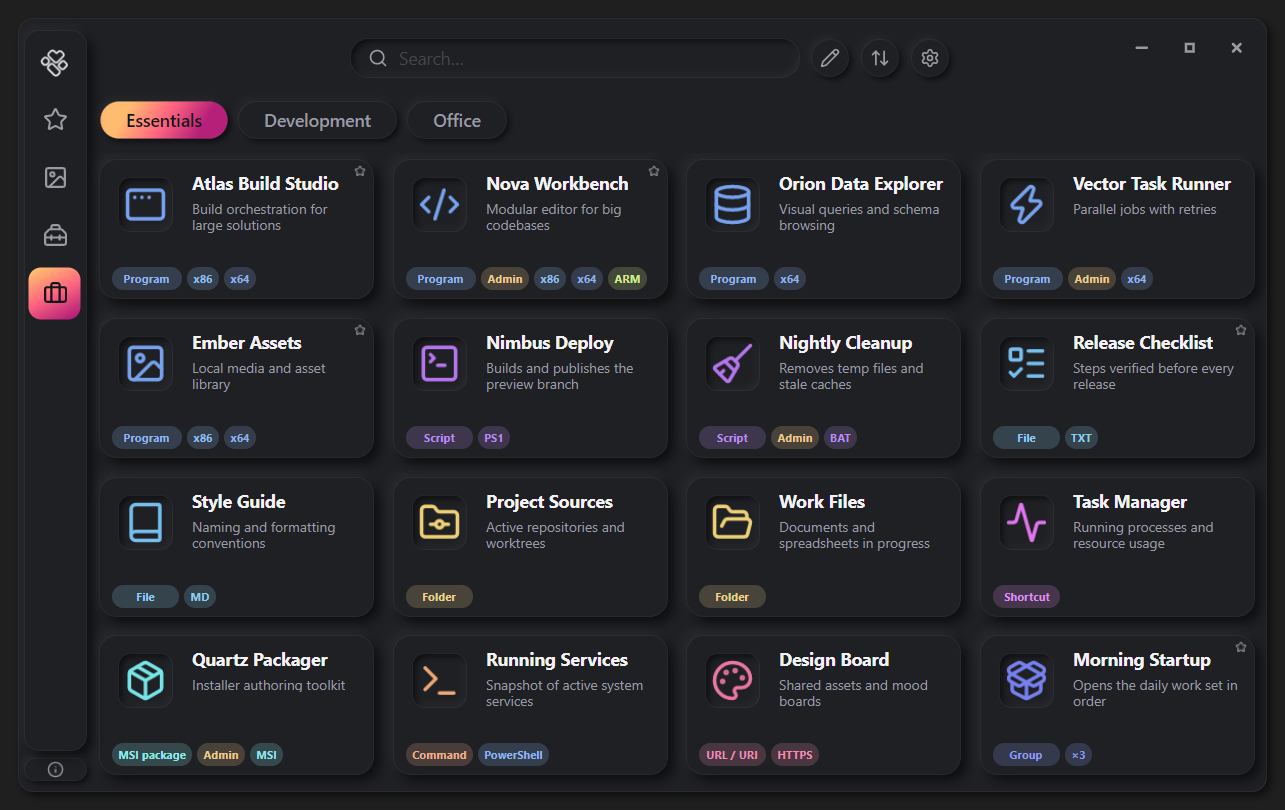
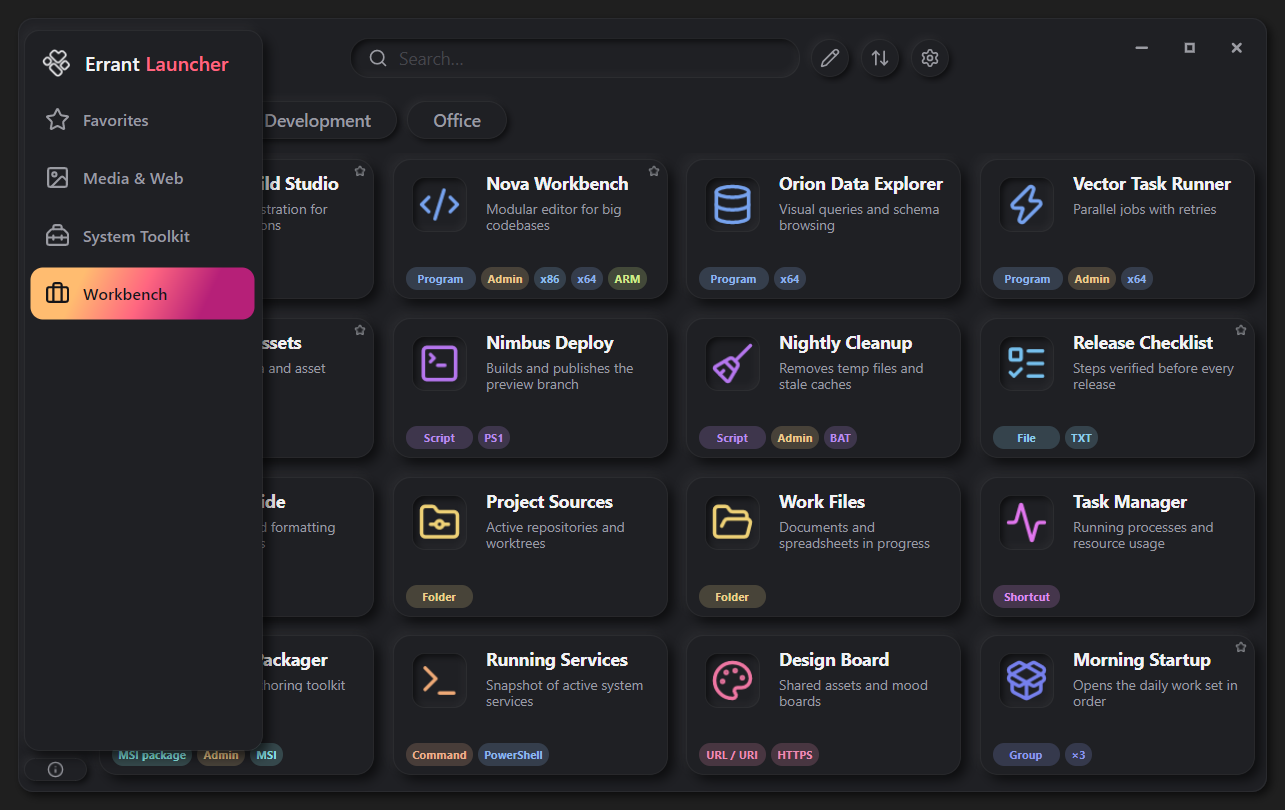
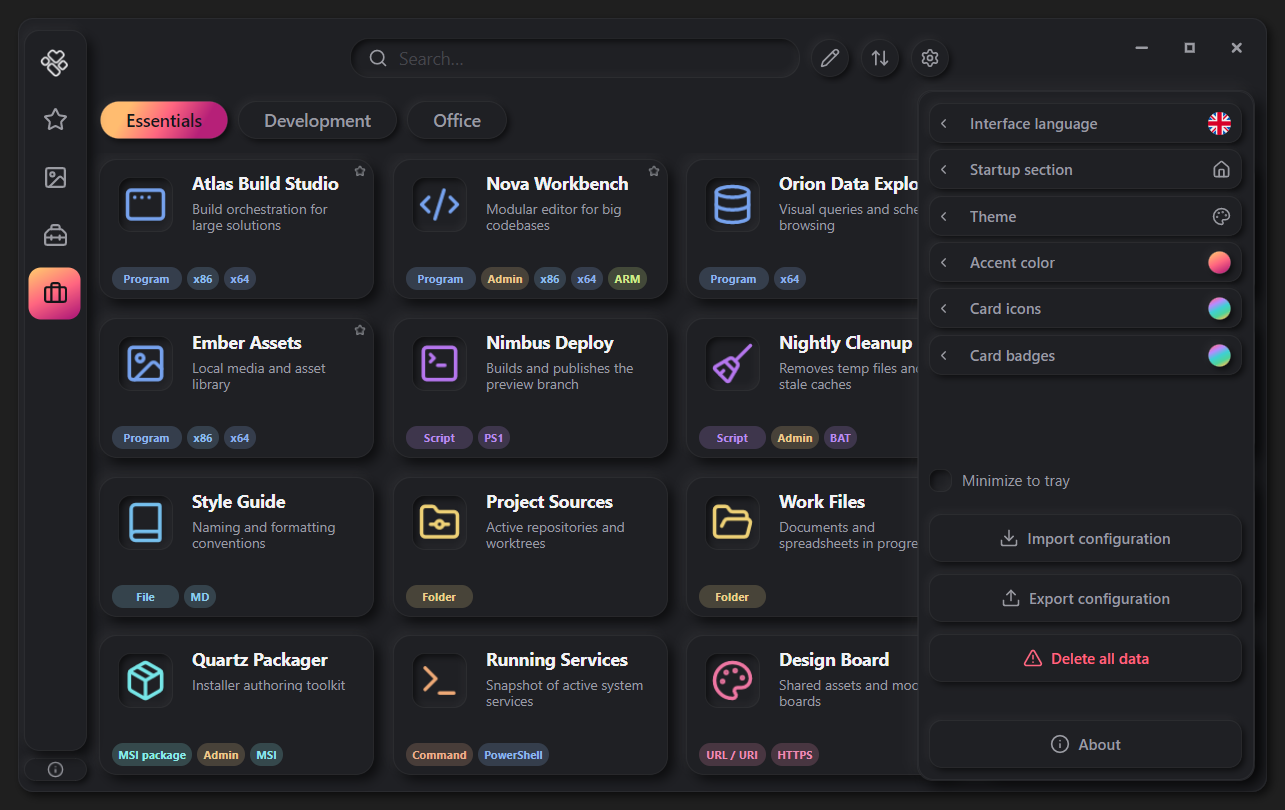
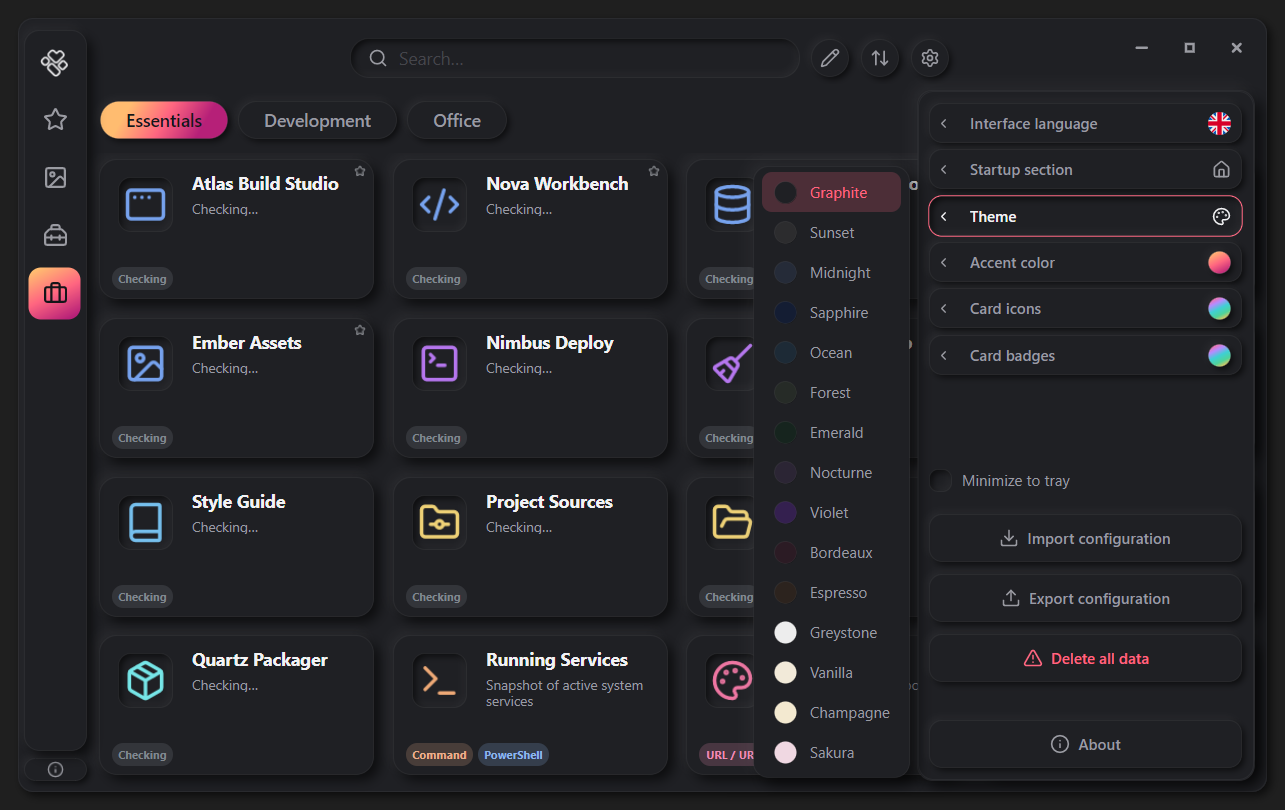
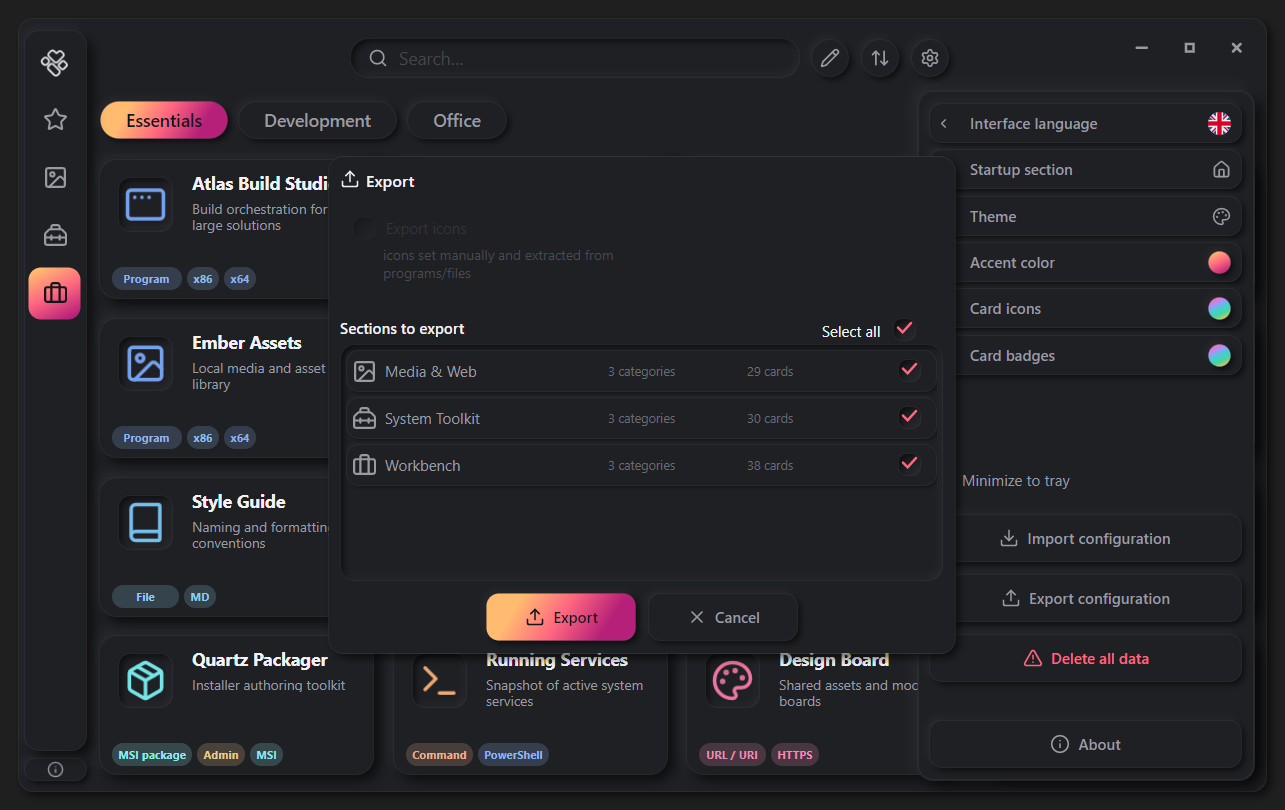
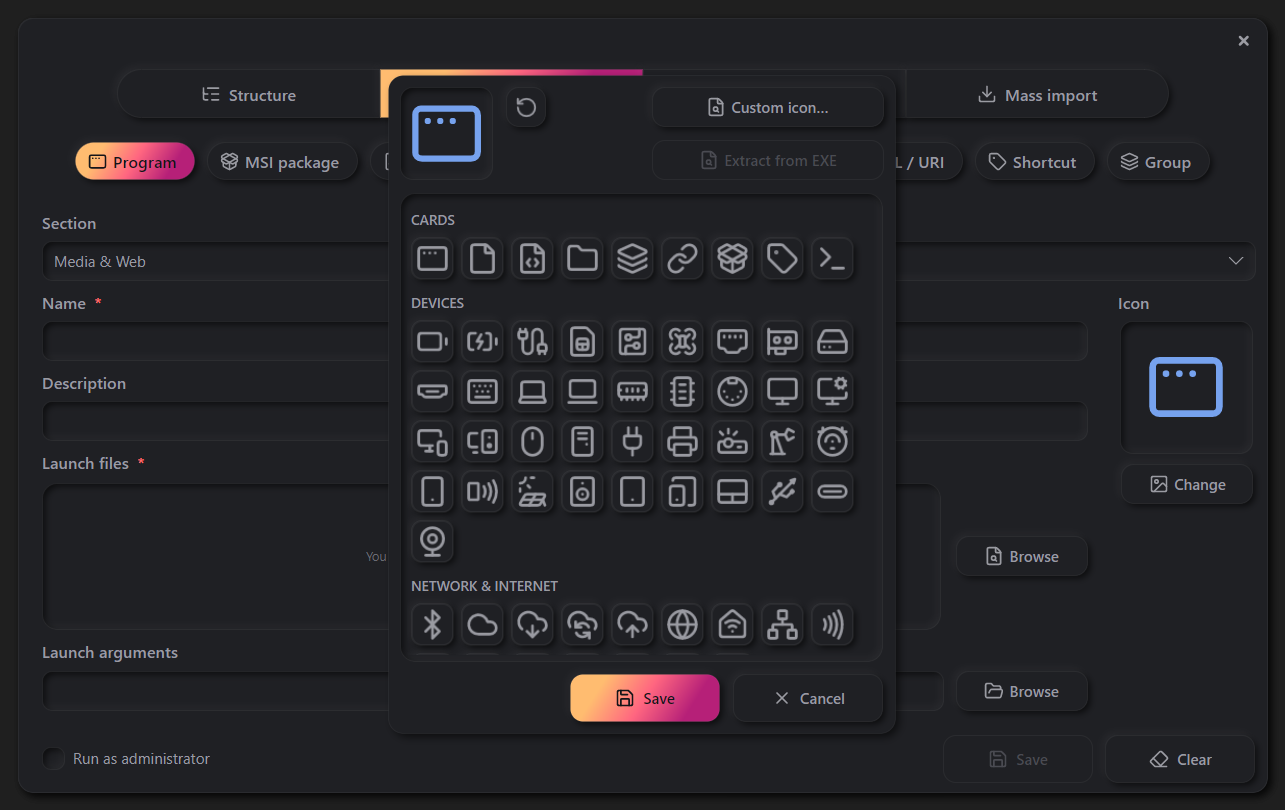
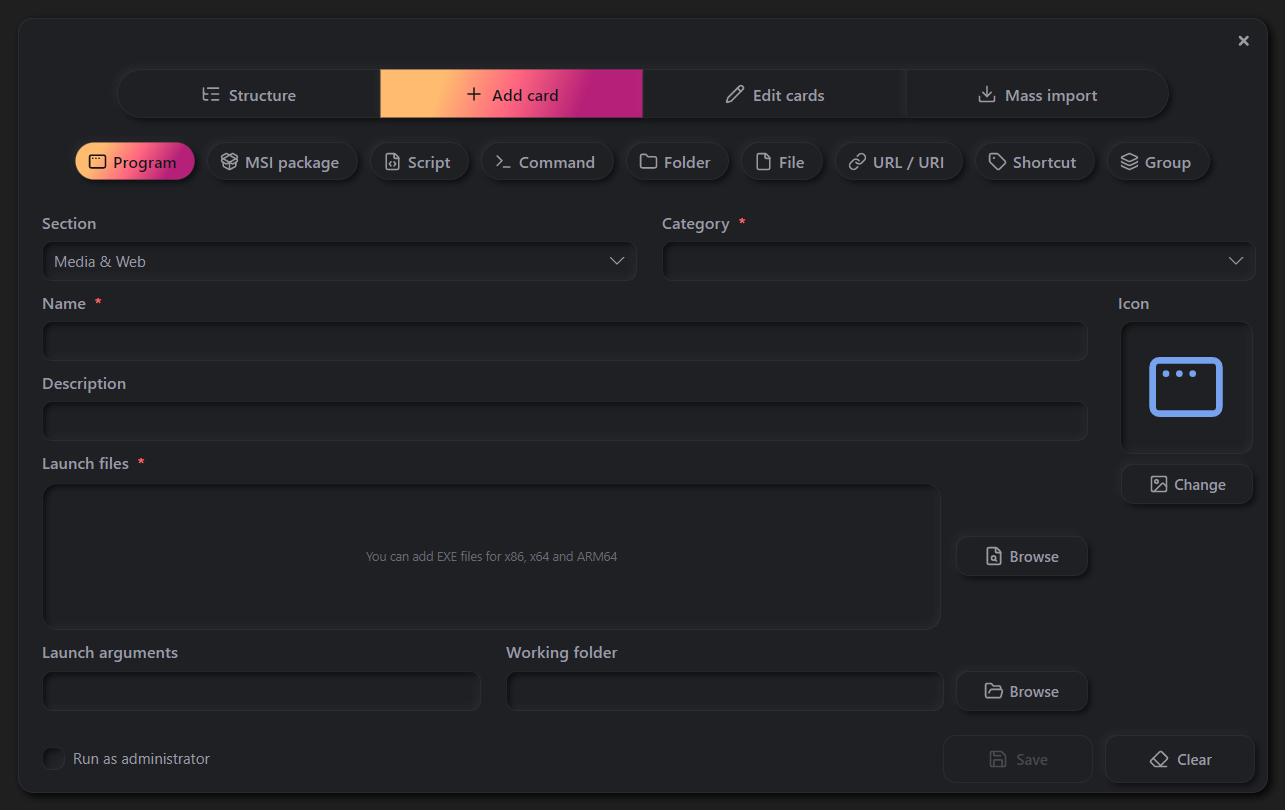
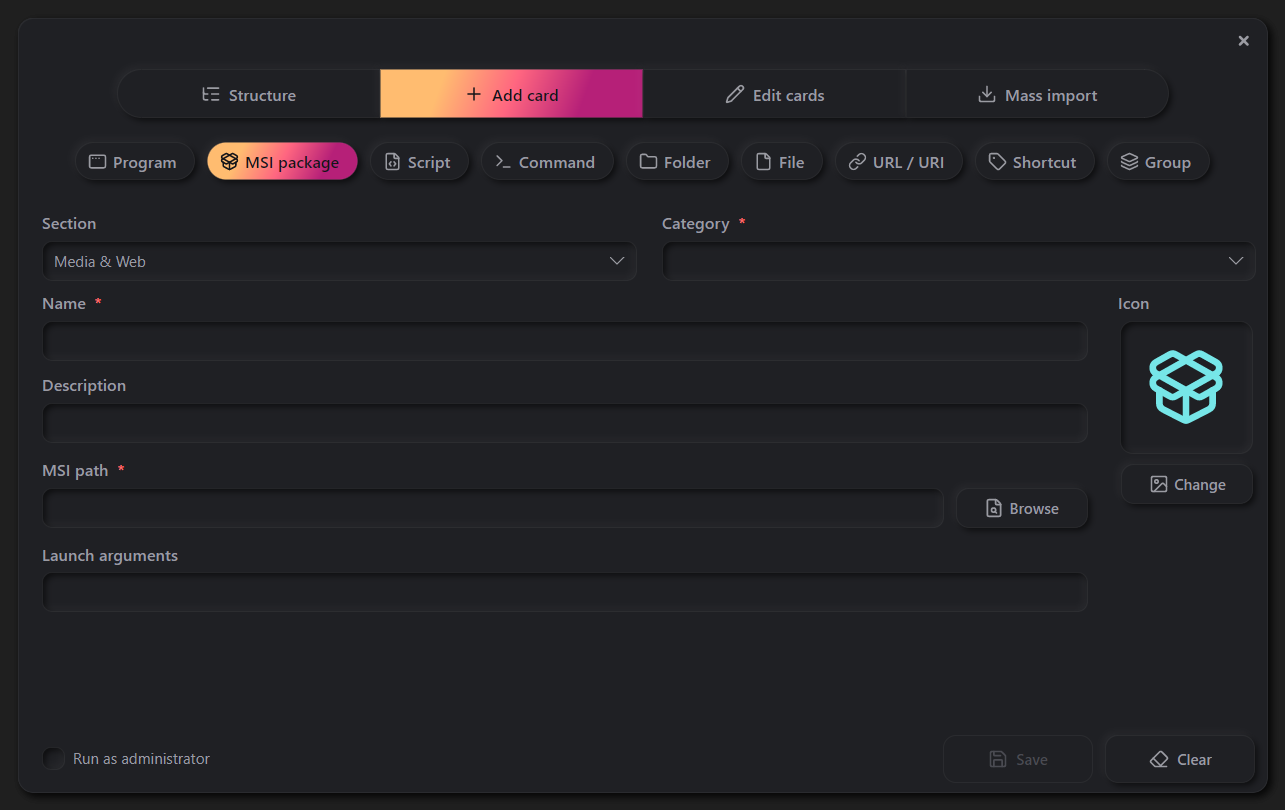
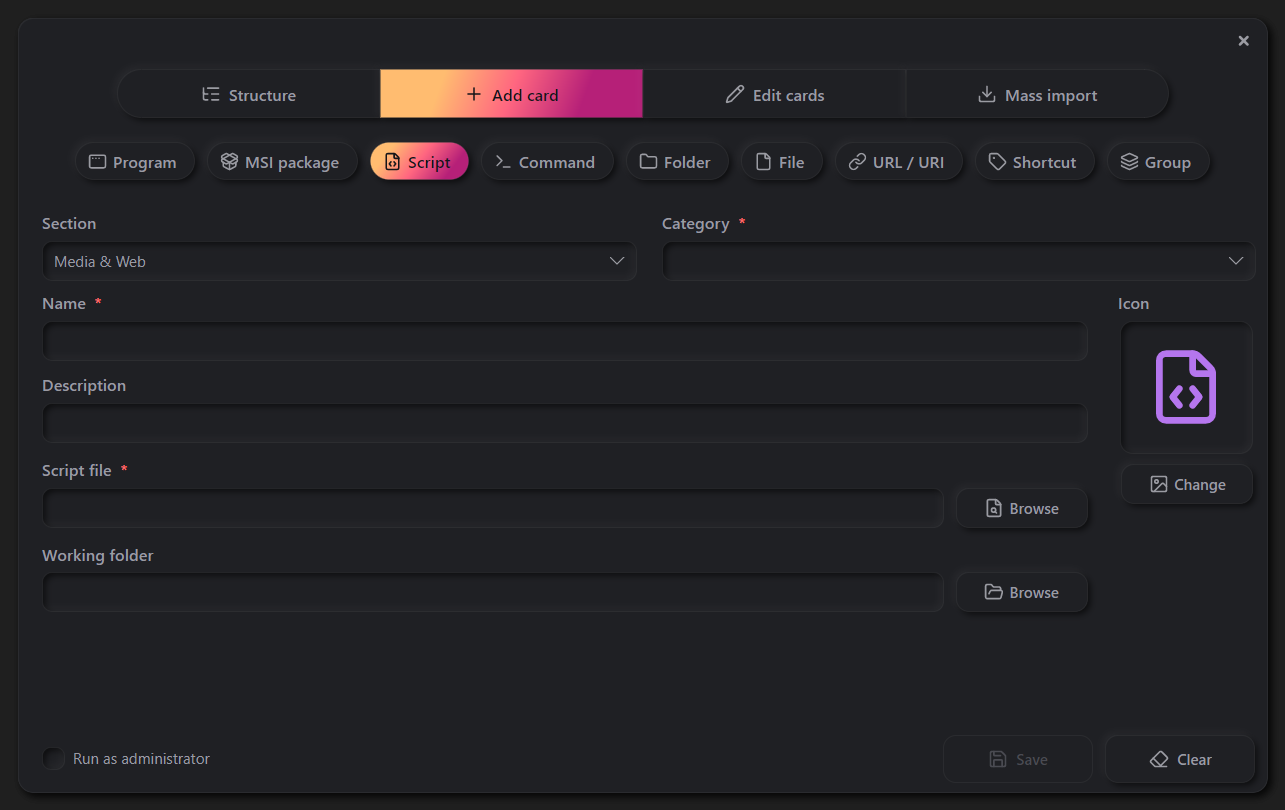
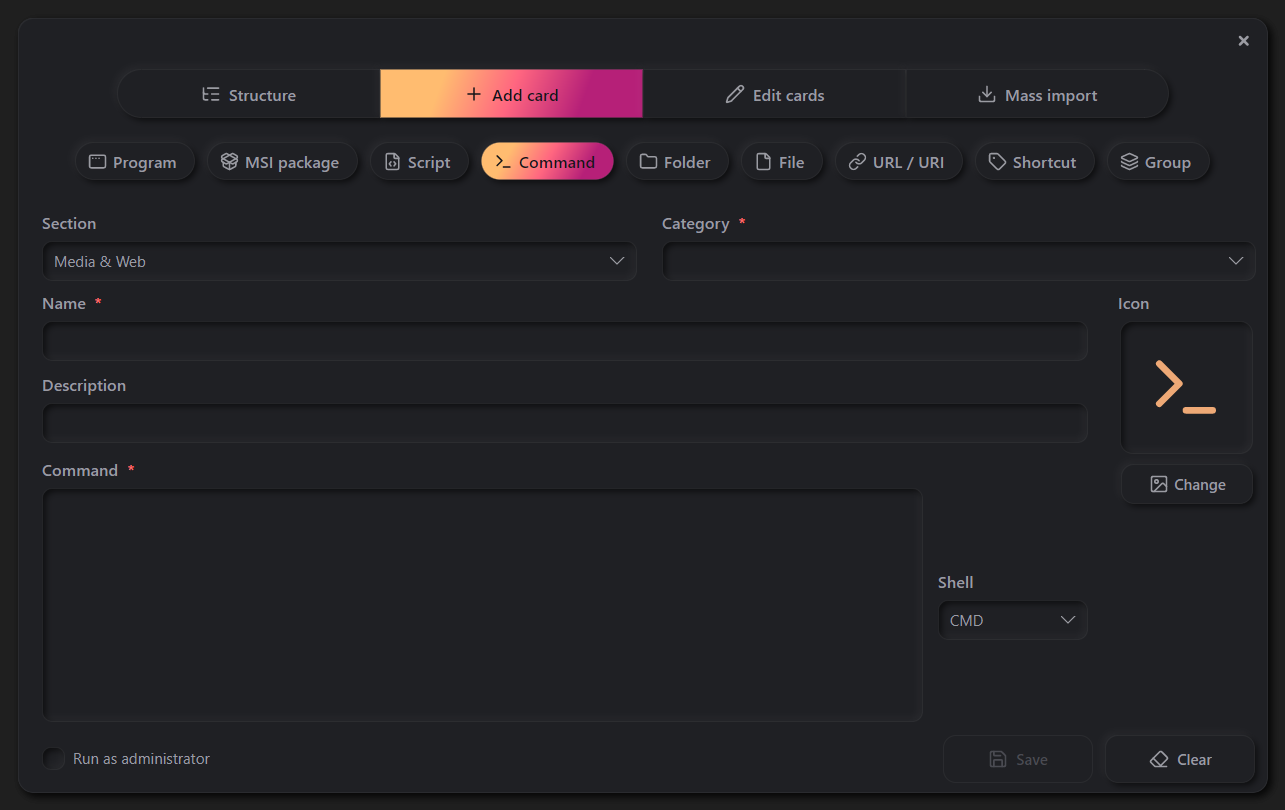
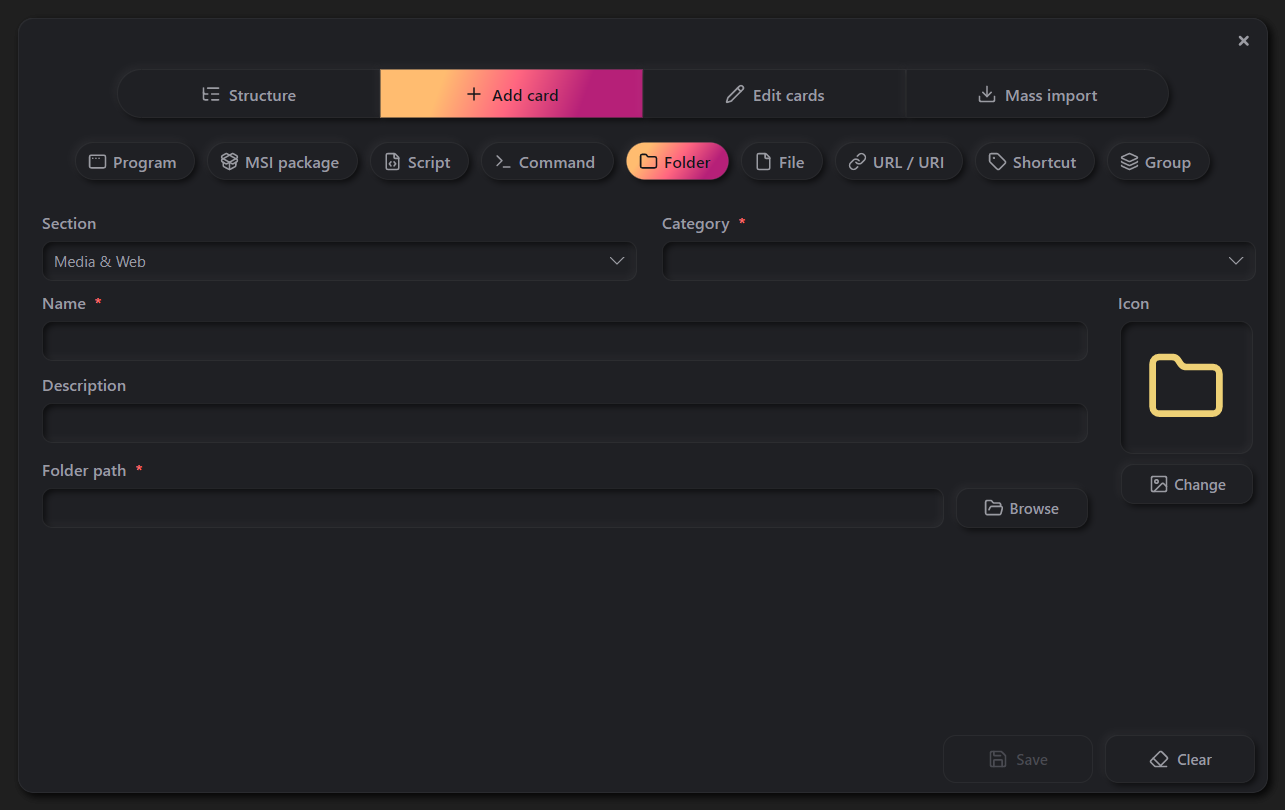
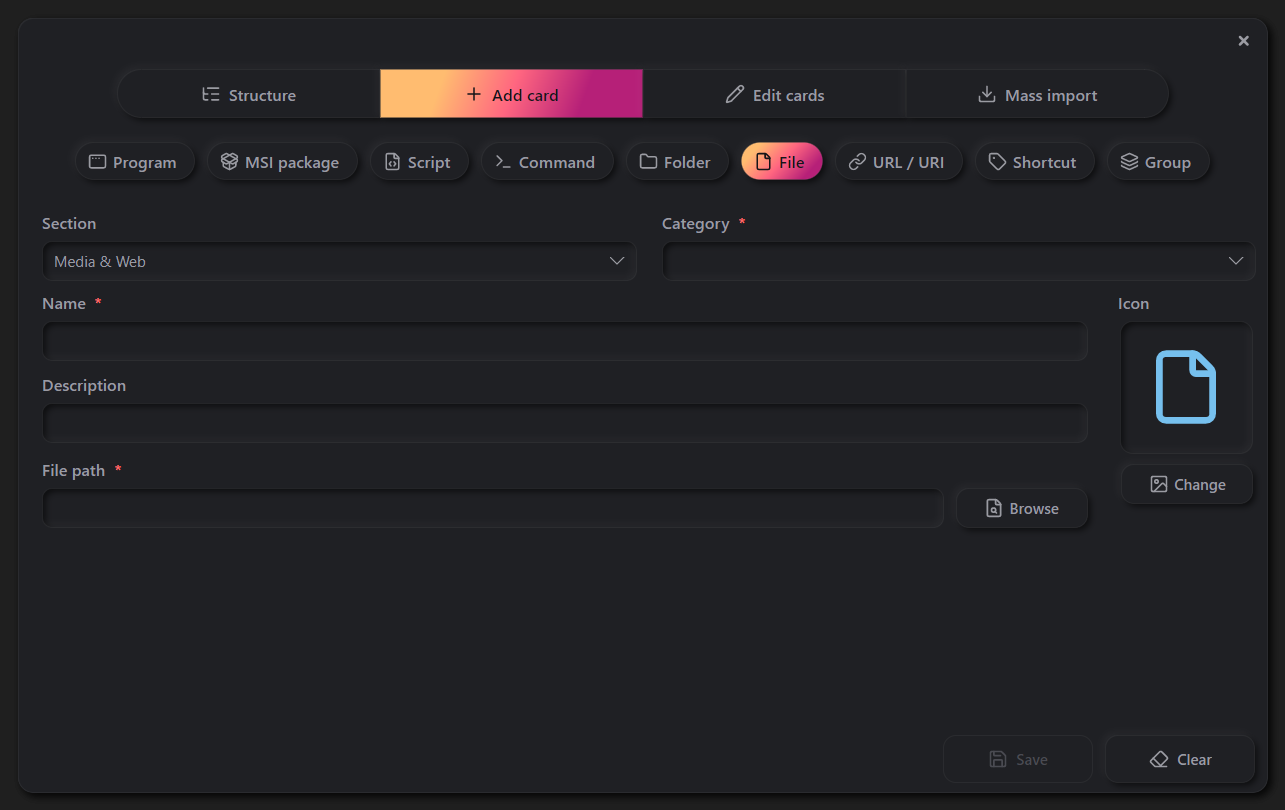
The Errant Launcher interface in action — the main window, card types, collection management, import, export, and settings. Click any screenshot to browse the gallery.
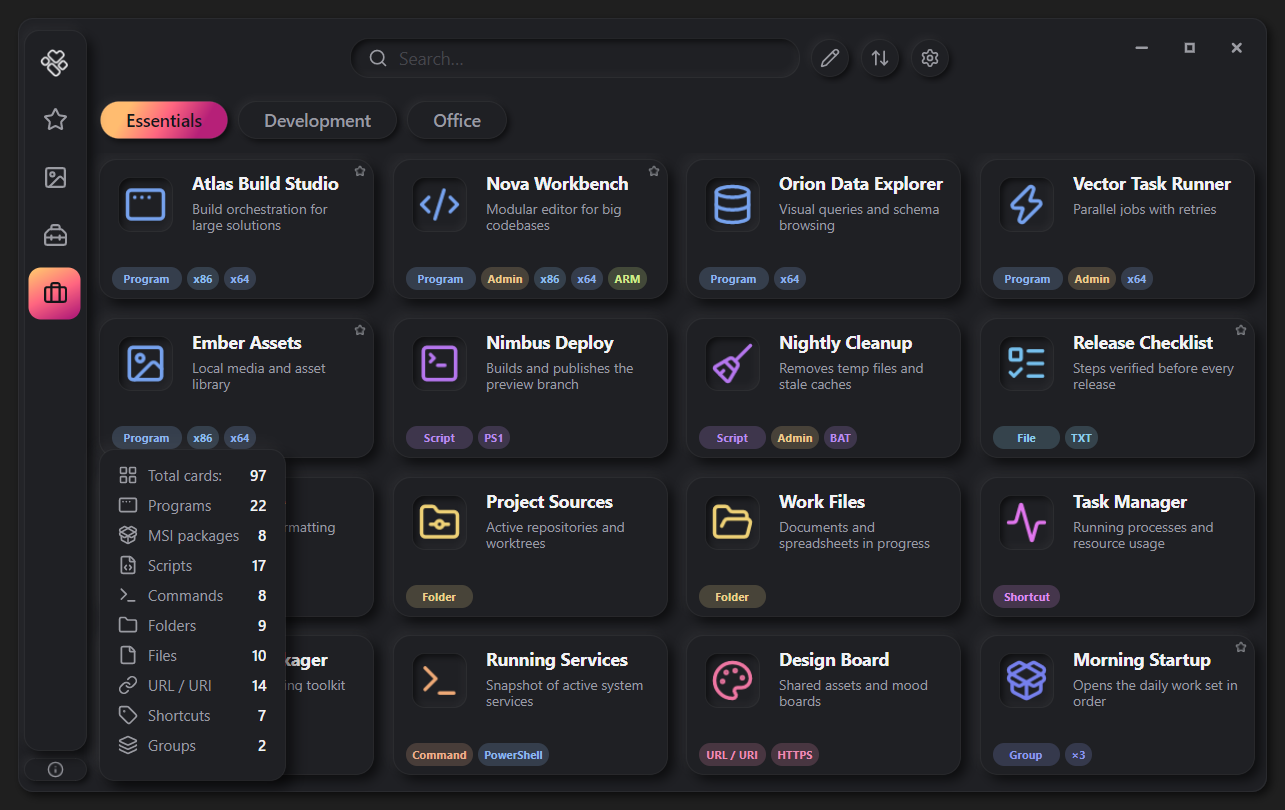
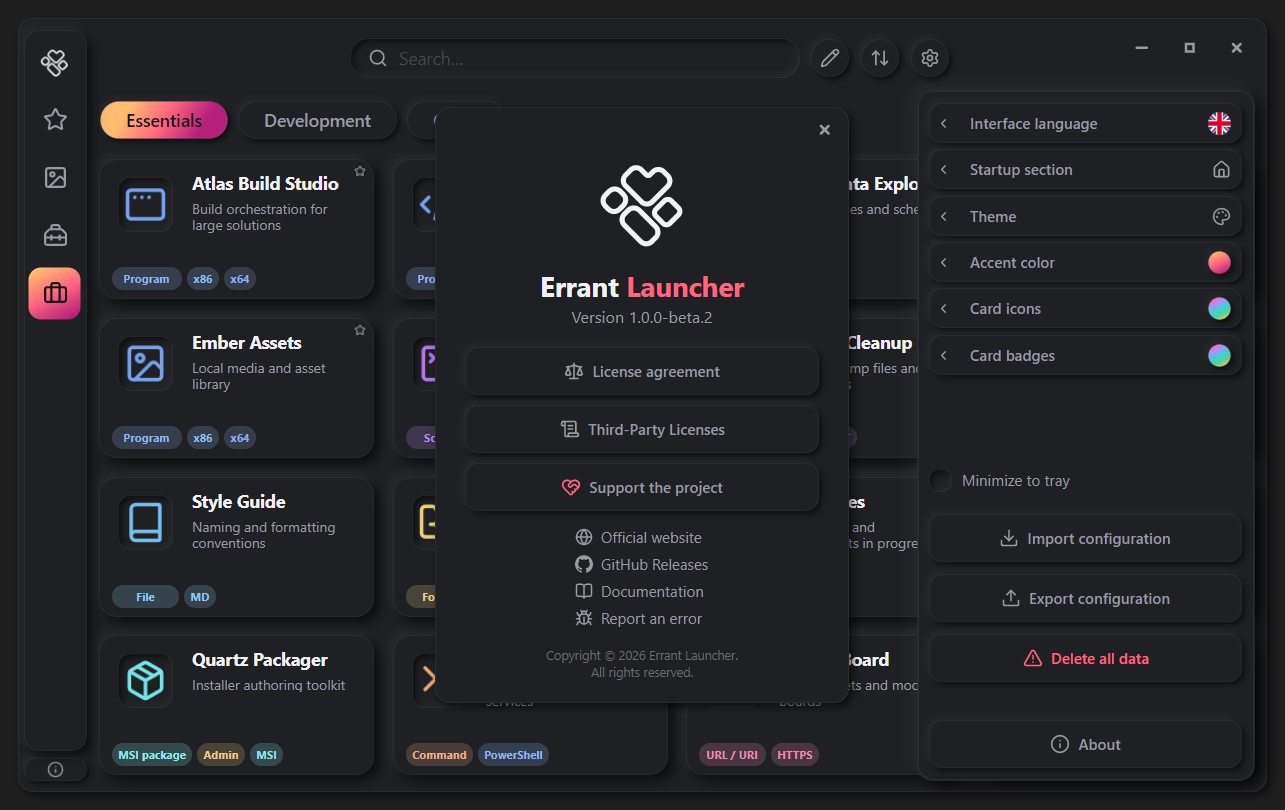
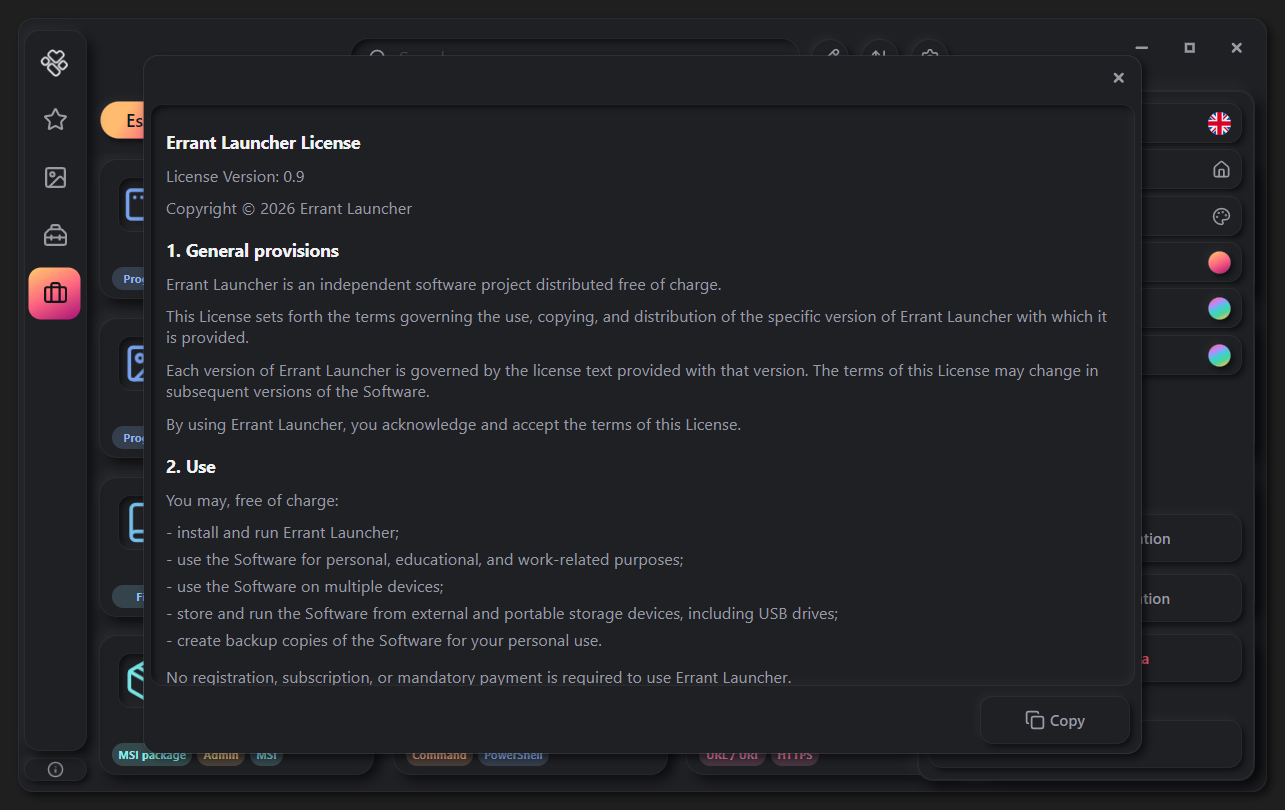
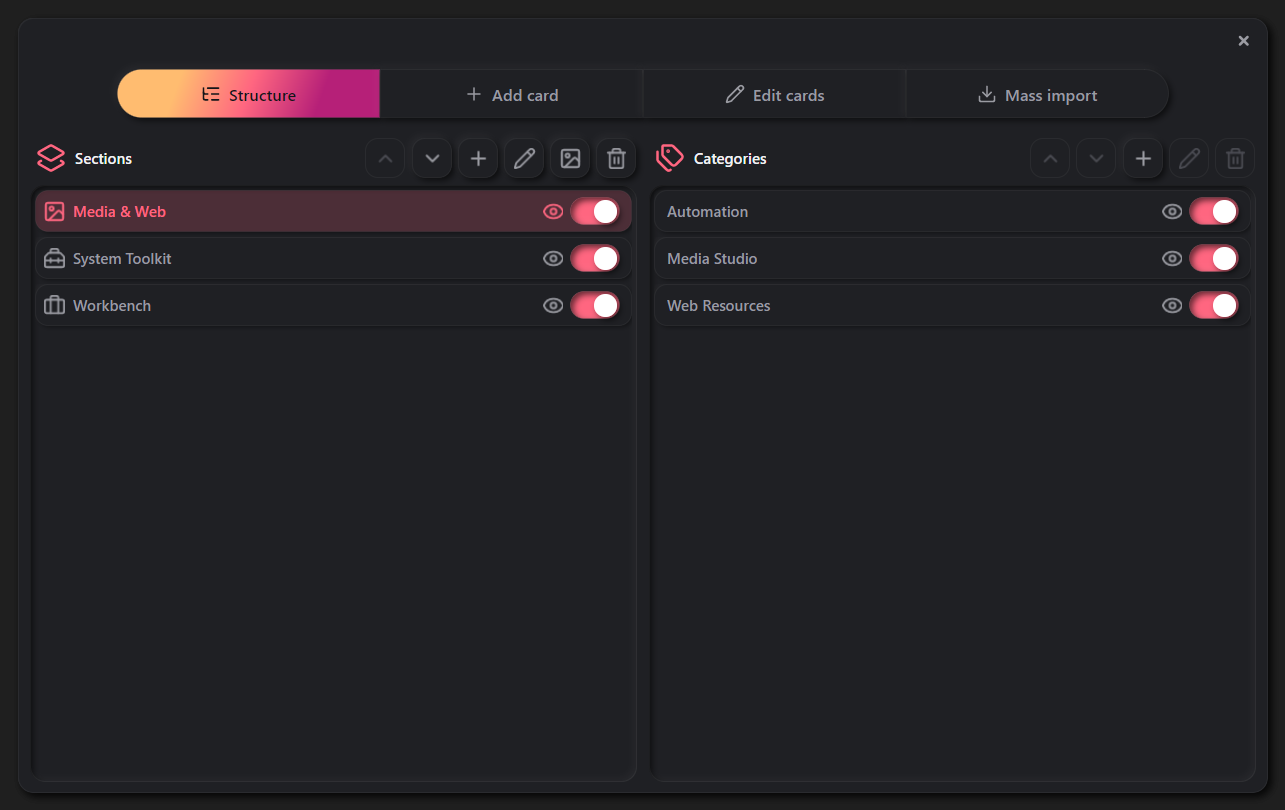
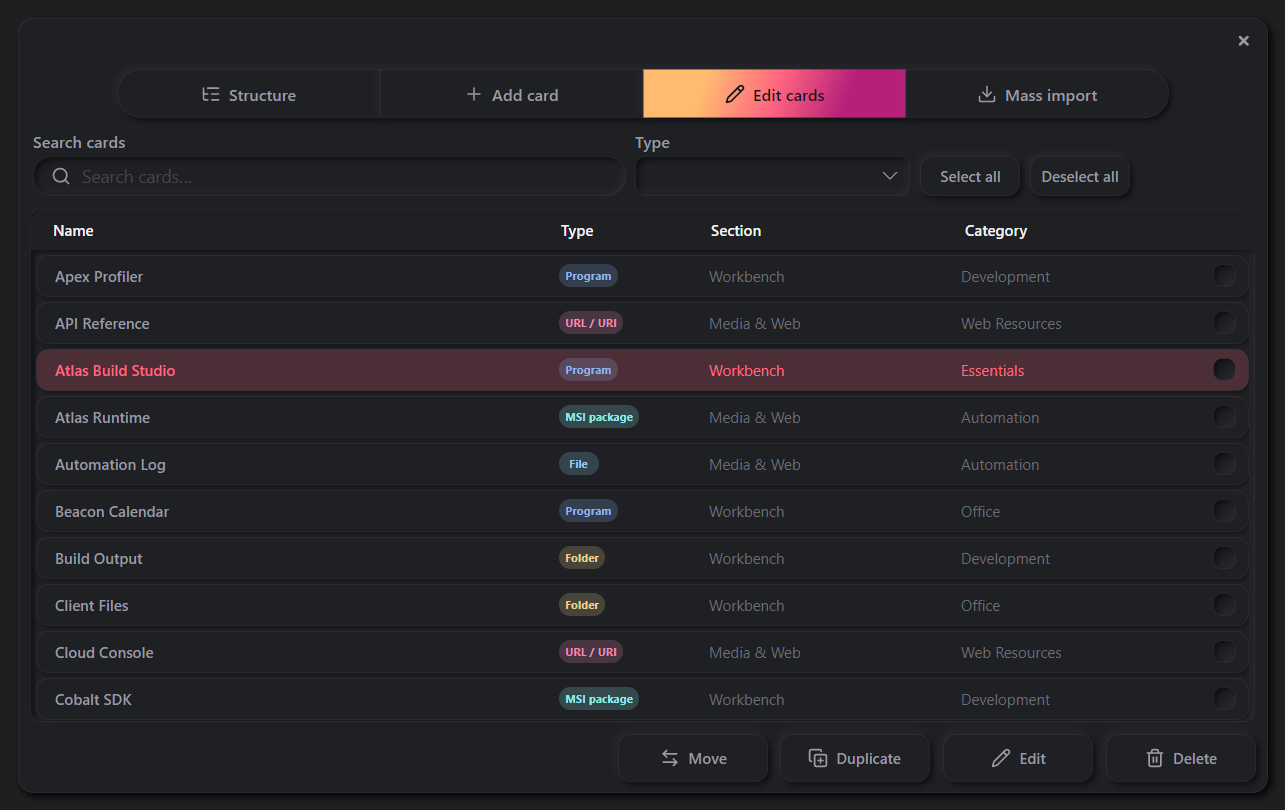
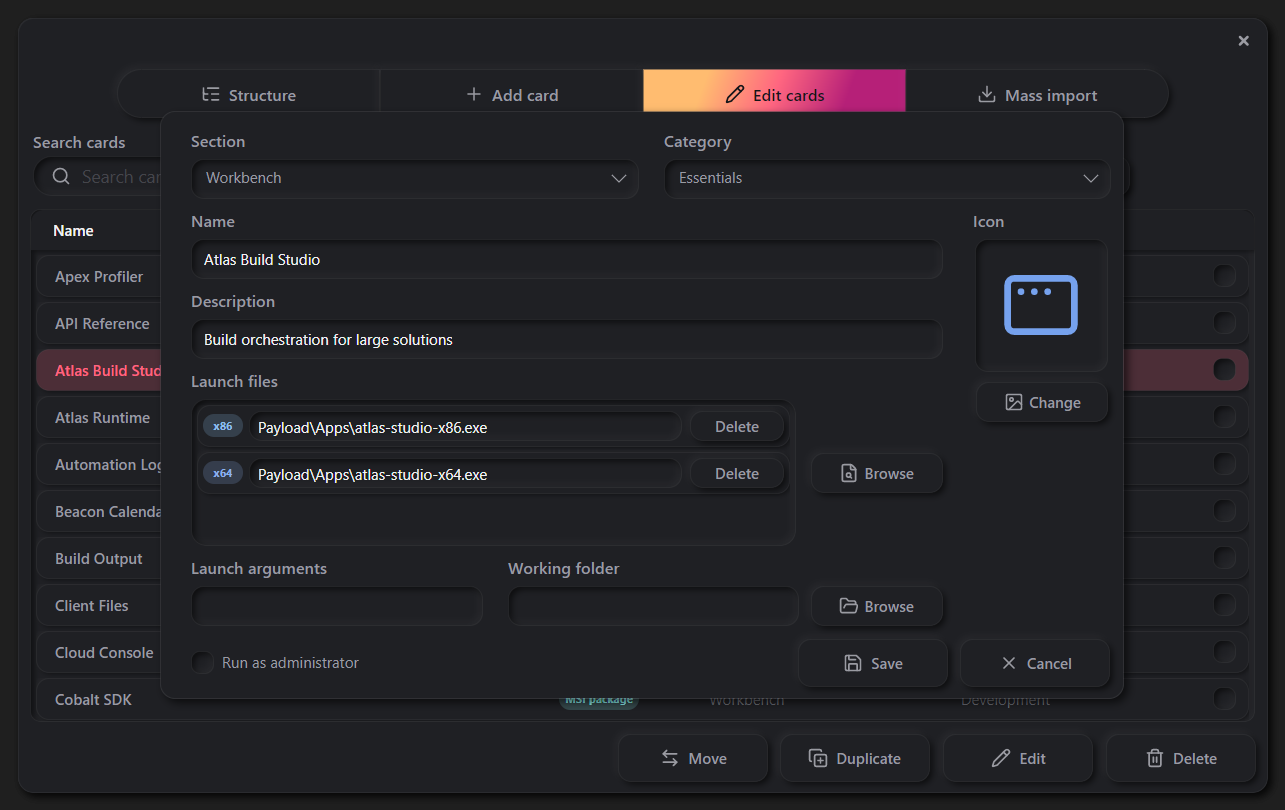
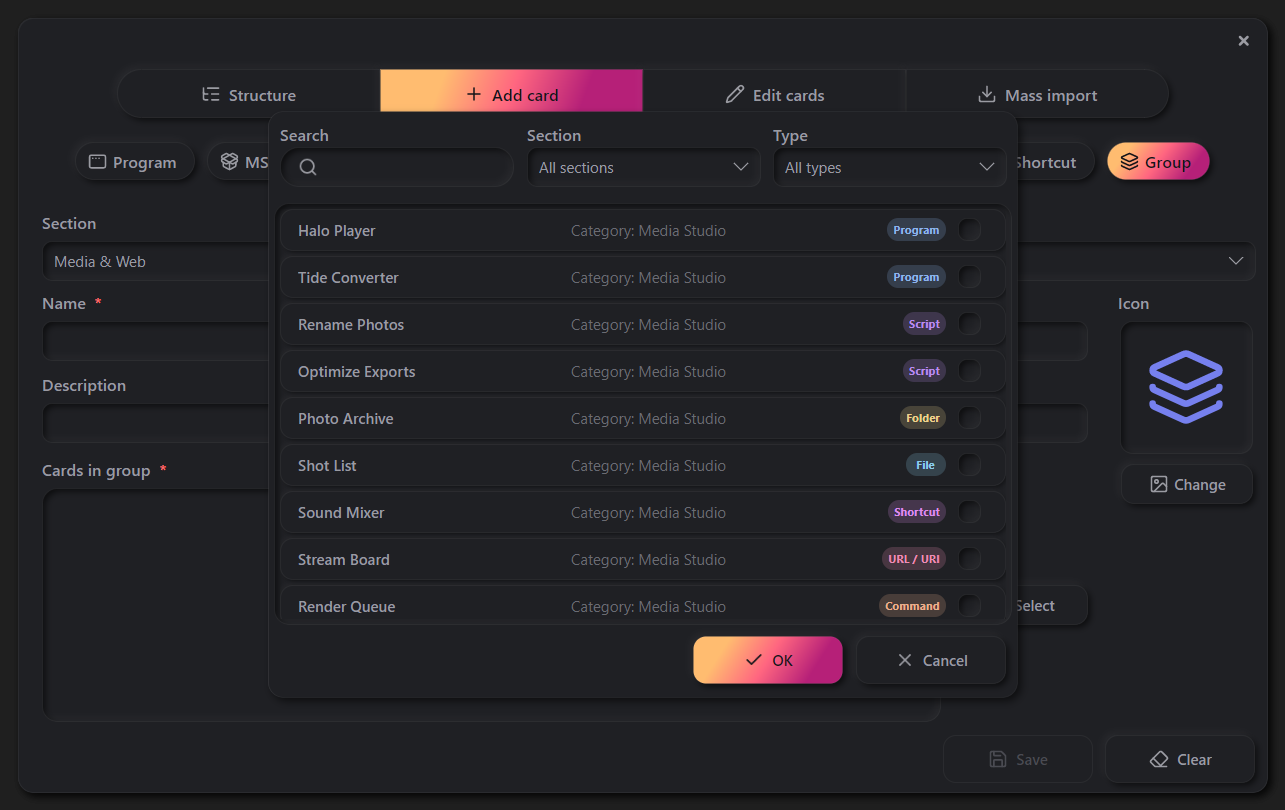
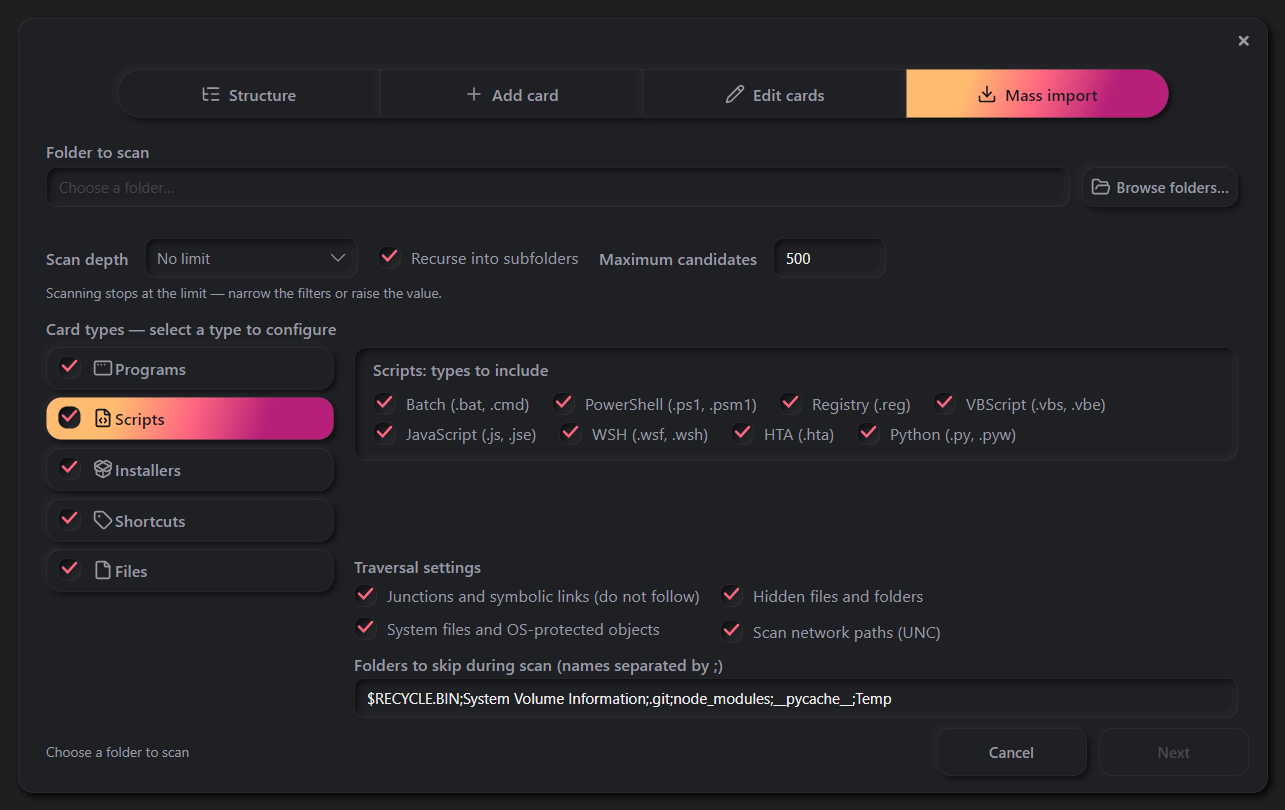
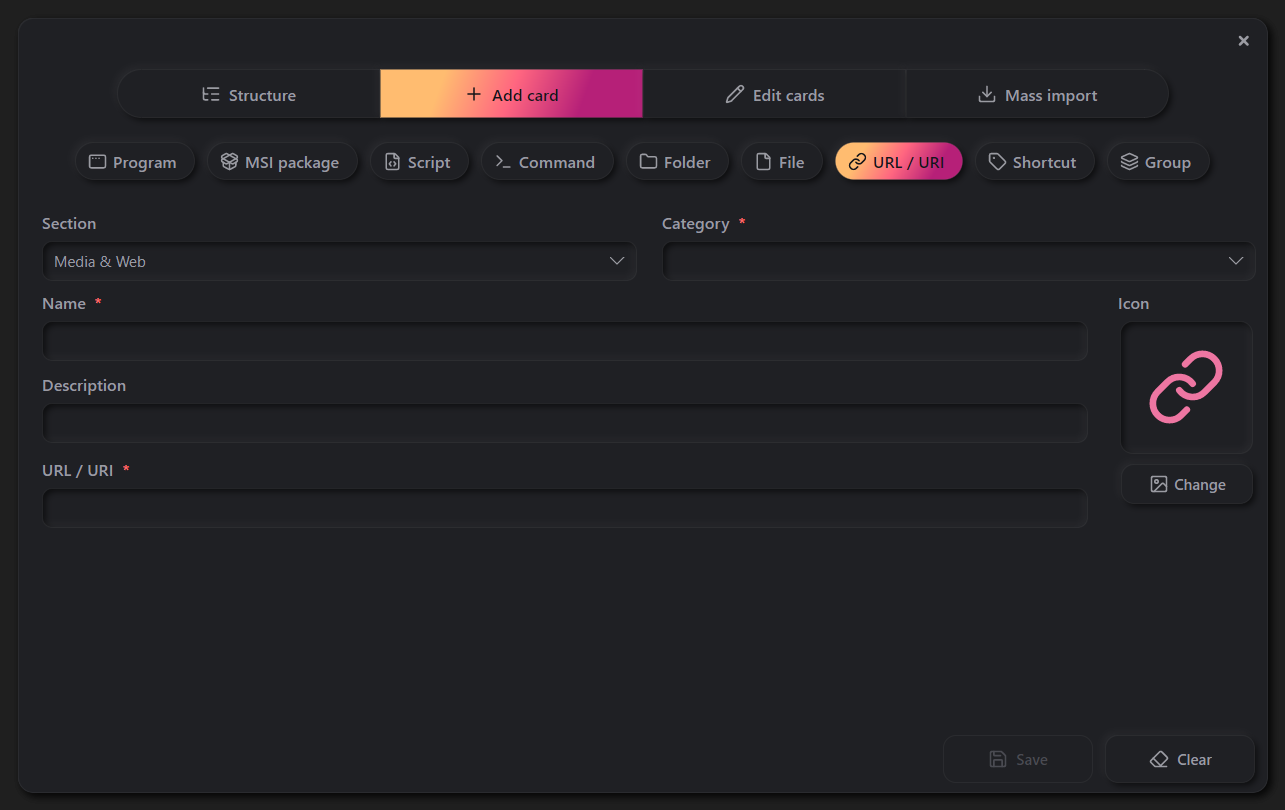
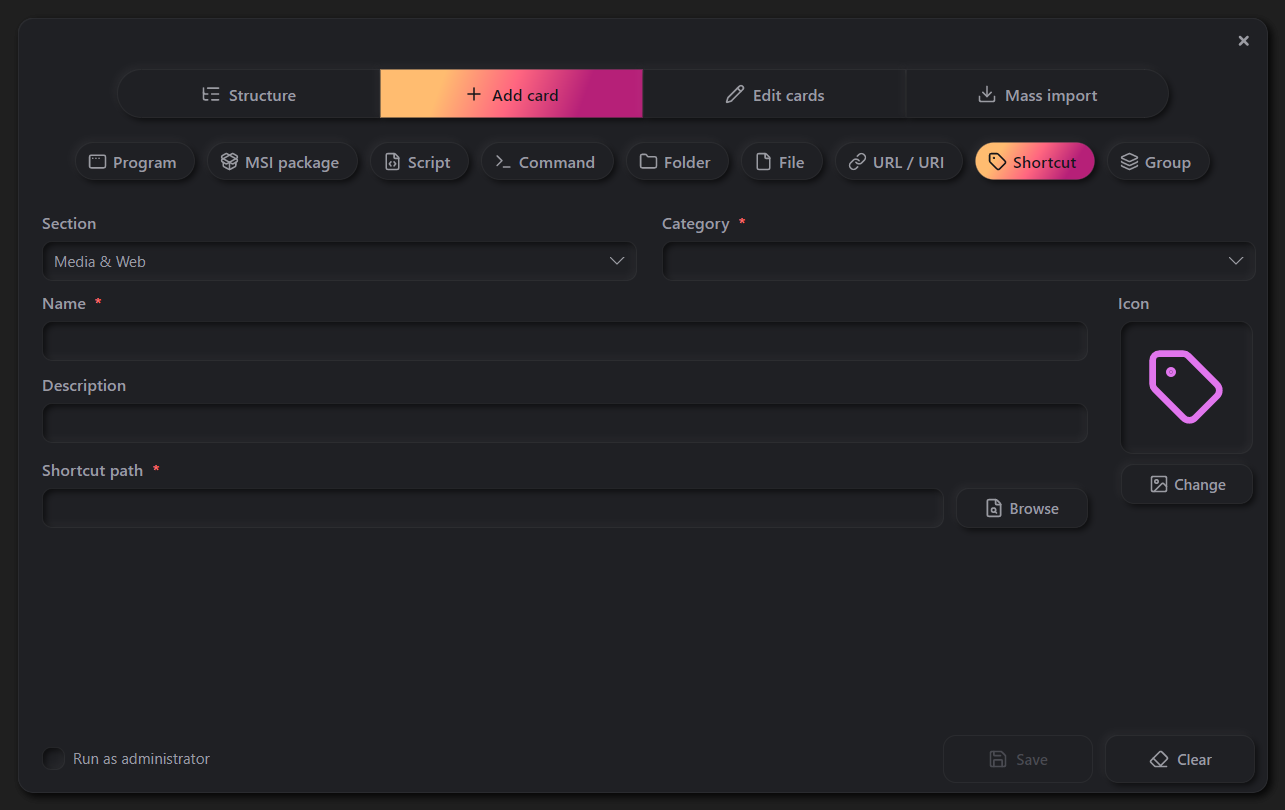
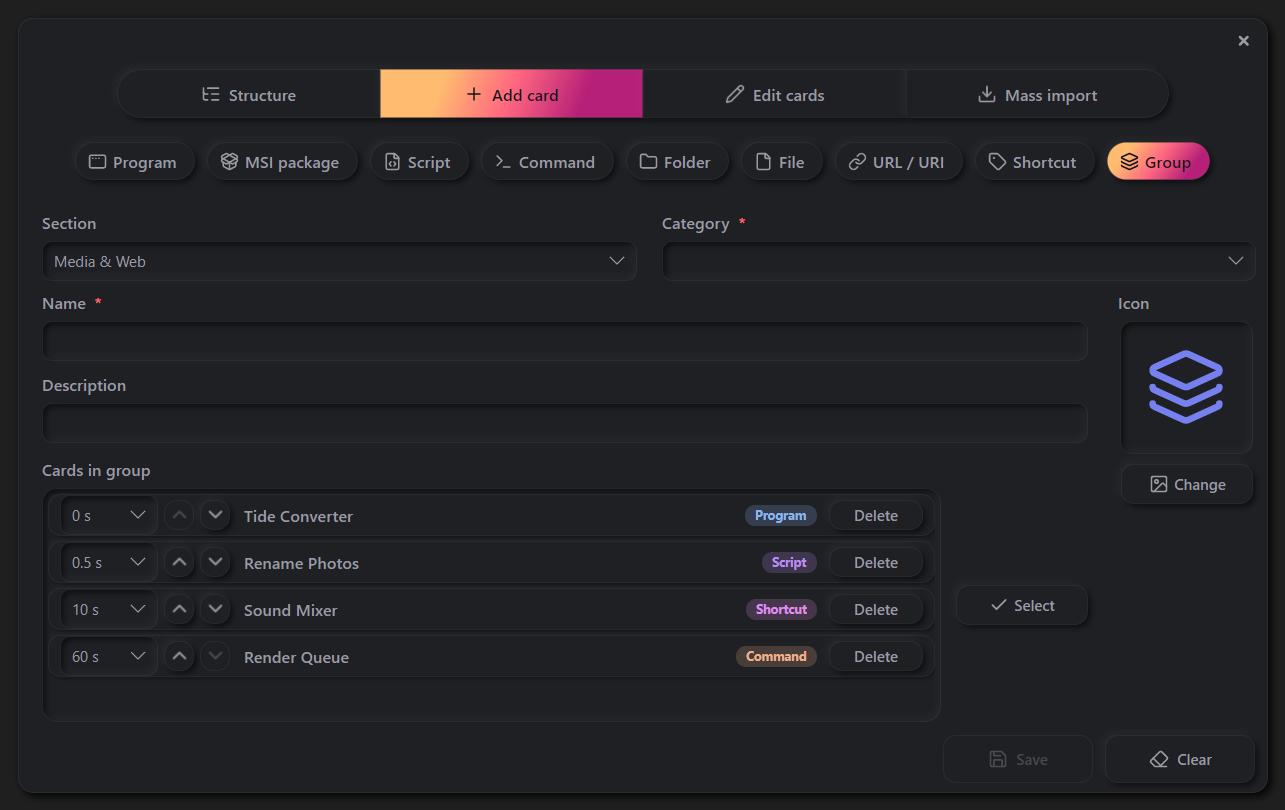
Main windowThe card grid — your collection at a glanceSidebarThe expanded section listSettingsLanguage, themes, icons, import and exportThemesFifteen built-in themes and accent colorsCollection statisticsTotal card and category countsAboutVersion, storage info, and linksLicense windowTerms of use for the applicationStructureManaging sections and categoriesEdit modeAll cards in a searchable listCard editorEditing a card's detailsGroup pickerChoosing cards for a launch groupMass importScan folders and import cards in bulkExportShare your collection or back it upIcon pickerHundreds of built-in icons, or extract from EXEAdd card — ProgramProgram card formAdd card — MSI packageInstaller card formAdd card — ScriptScript card formAdd card — CommandCommand card formAdd card — FolderFolder card formAdd card — FileFile card formAdd card — URL / URILink card formAdd card — ShortcutShortcut card formAdd card — GroupGroup launch card form